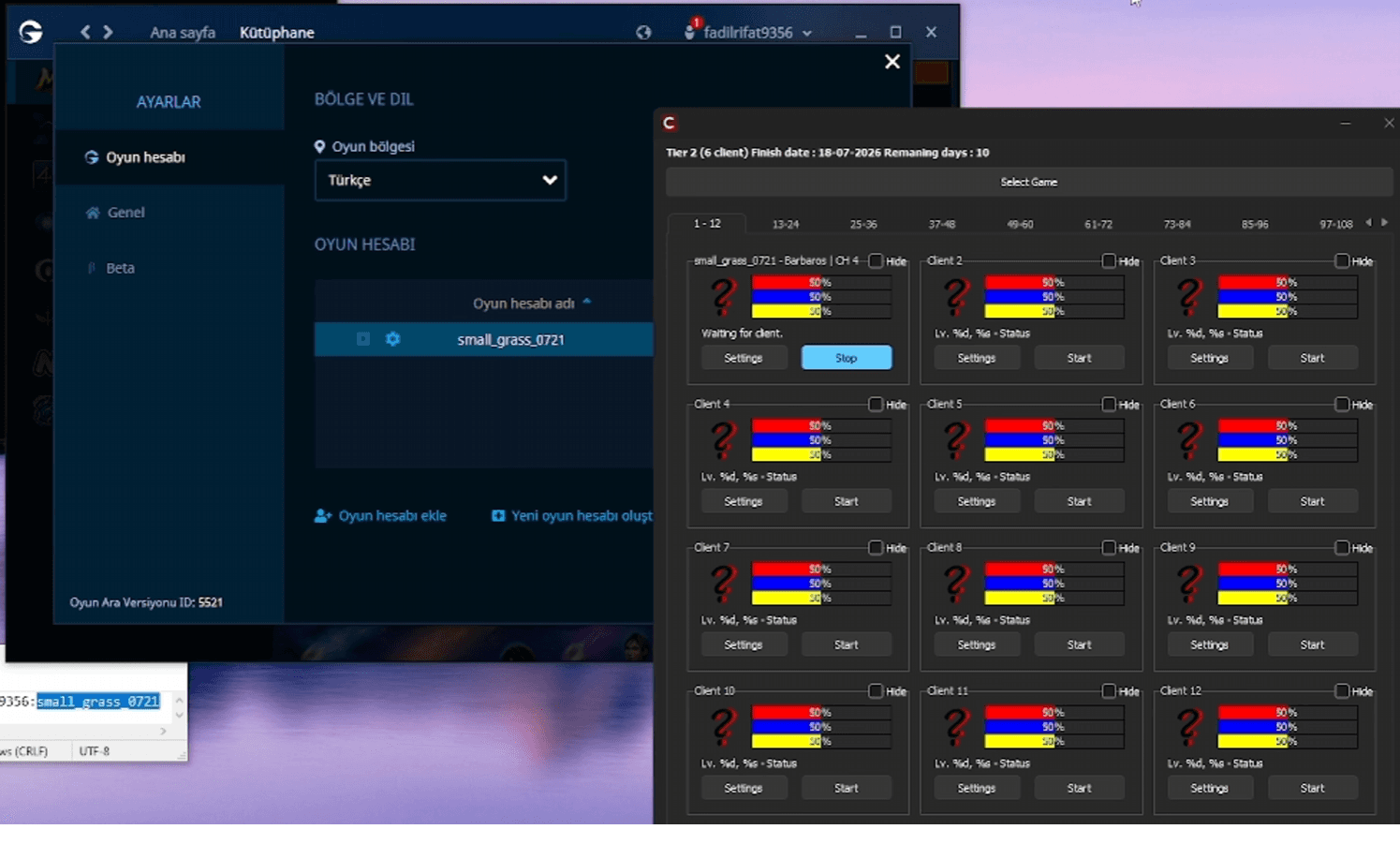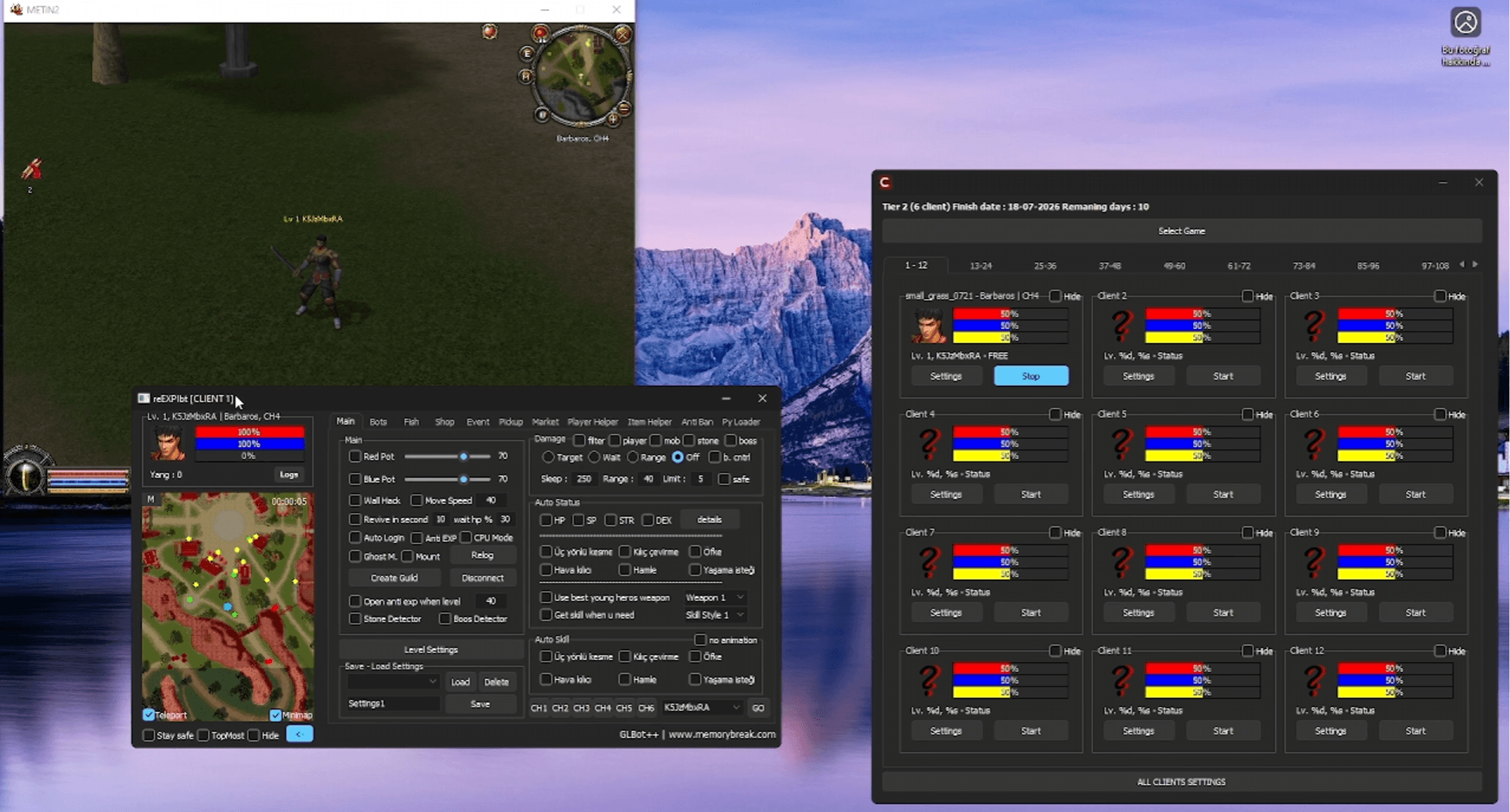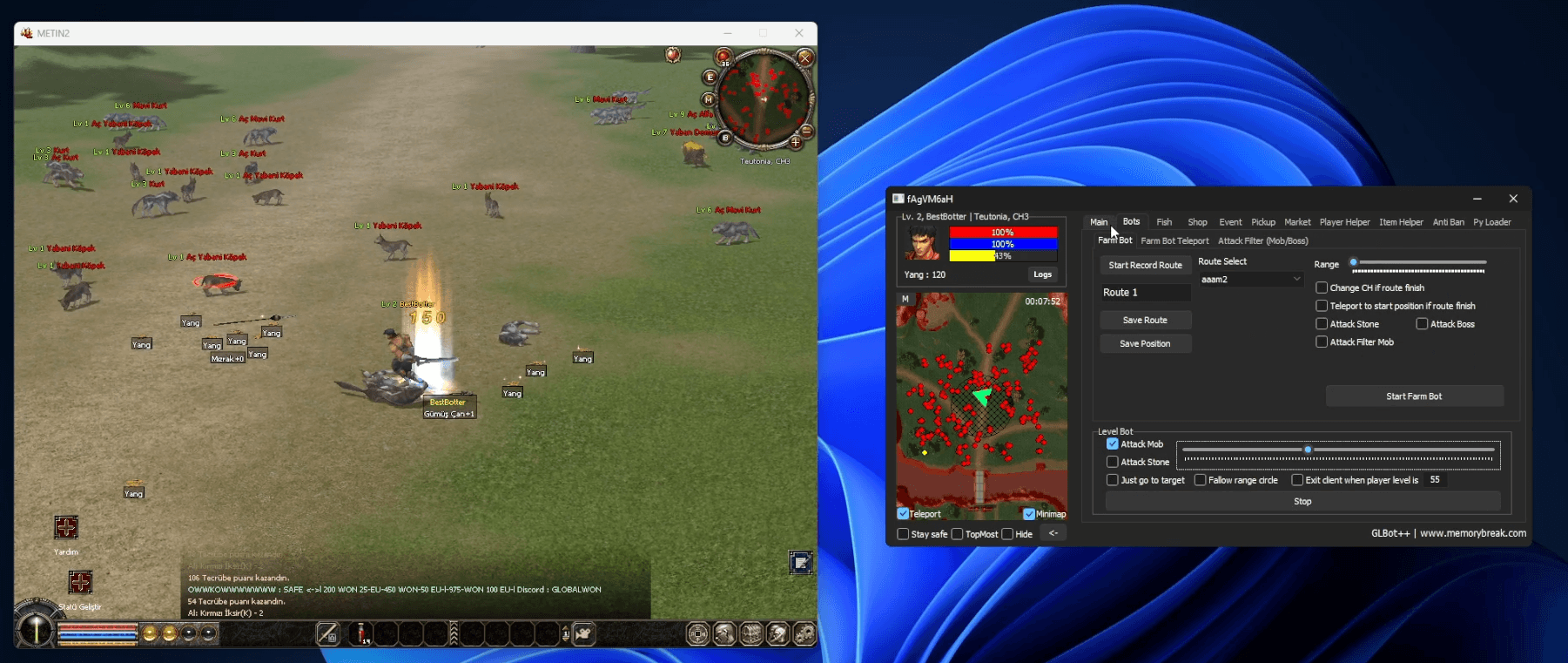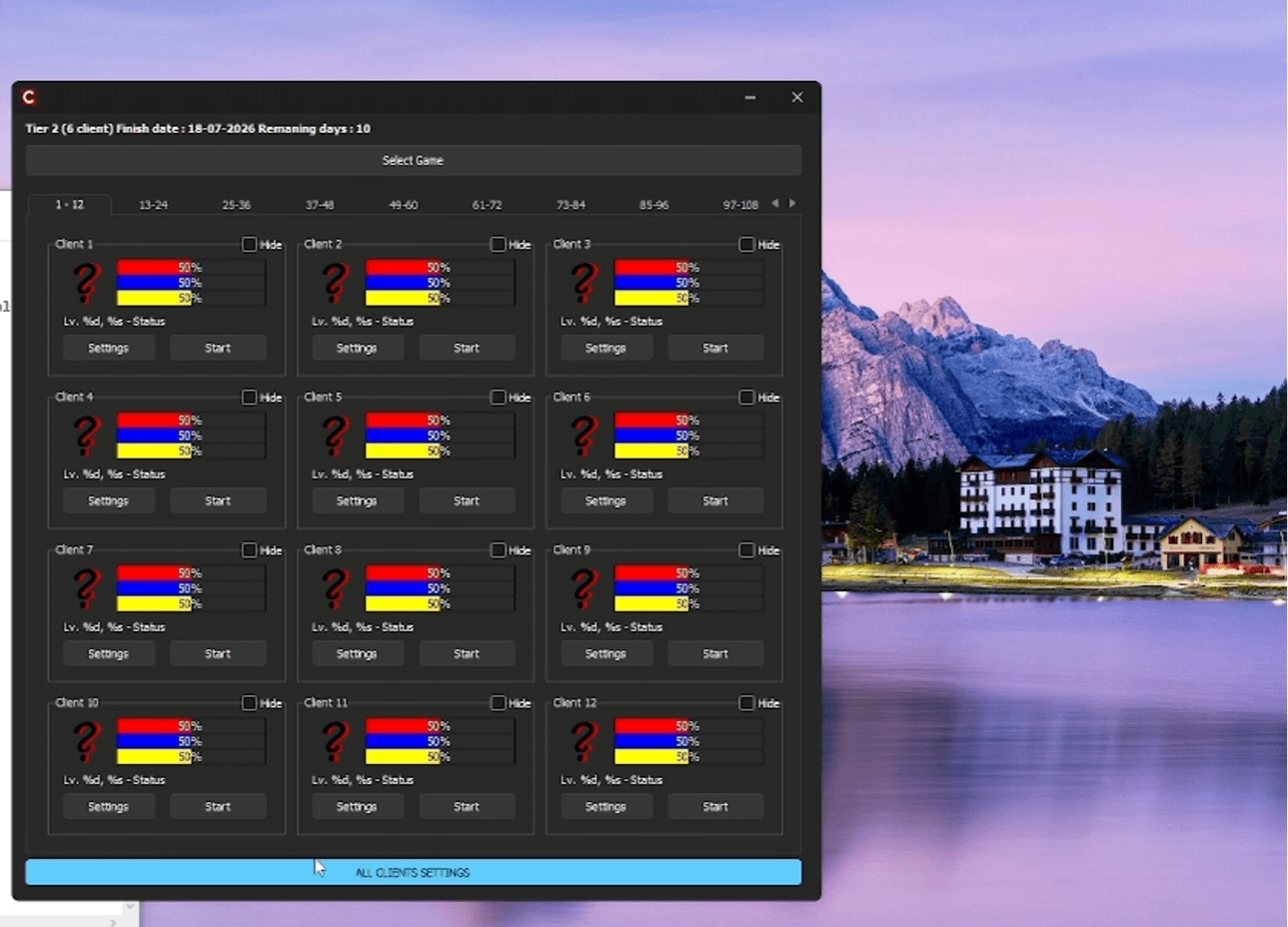
Installing GLBot++ is straightforward. Follow the steps below and you will have the bot running in just a few minutes.
Installation Steps
- 1. Download the launcherGo to memorybreak.com and click the Download Now button on the left side.
- 2. Open the launcherRun the downloaded file and wait for the required files to load.
- 3. Select GLBot++Once the loader opens, select GLBot++ from the list and press the Run button.
- 4. Enter your license keyOn the screen that opens, enter the license key you purchased and confirm it.
After the setup is complete, the GLBot++ interface will open and all features will be ready to use. You can purchase your license key at memorybreak.com.