GLBot++ Direct Mode is a login method that connects to the game directly by obtaining a GF Client Key through the Gameforge client. It offers a faster and more stable connection compared to Macro Mode.
Setup Steps
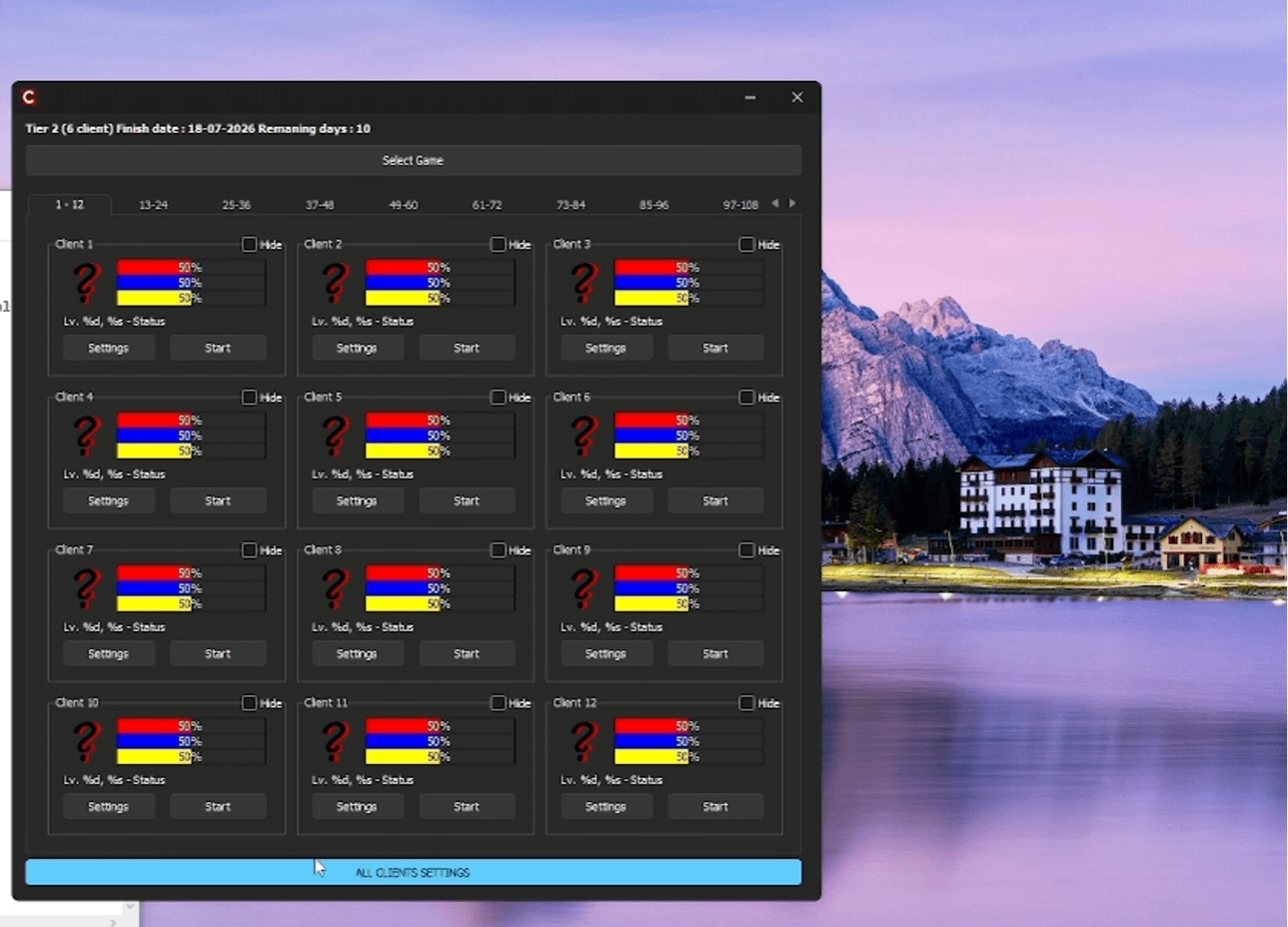
- 1. Open the ALL CLIENT SETTINGS panelClick the ALL CLIENT SETTINGS button at the bottom of the loader screen.
- 2. Set Login Type to DirectSelect Direct from the Login Type dropdown.
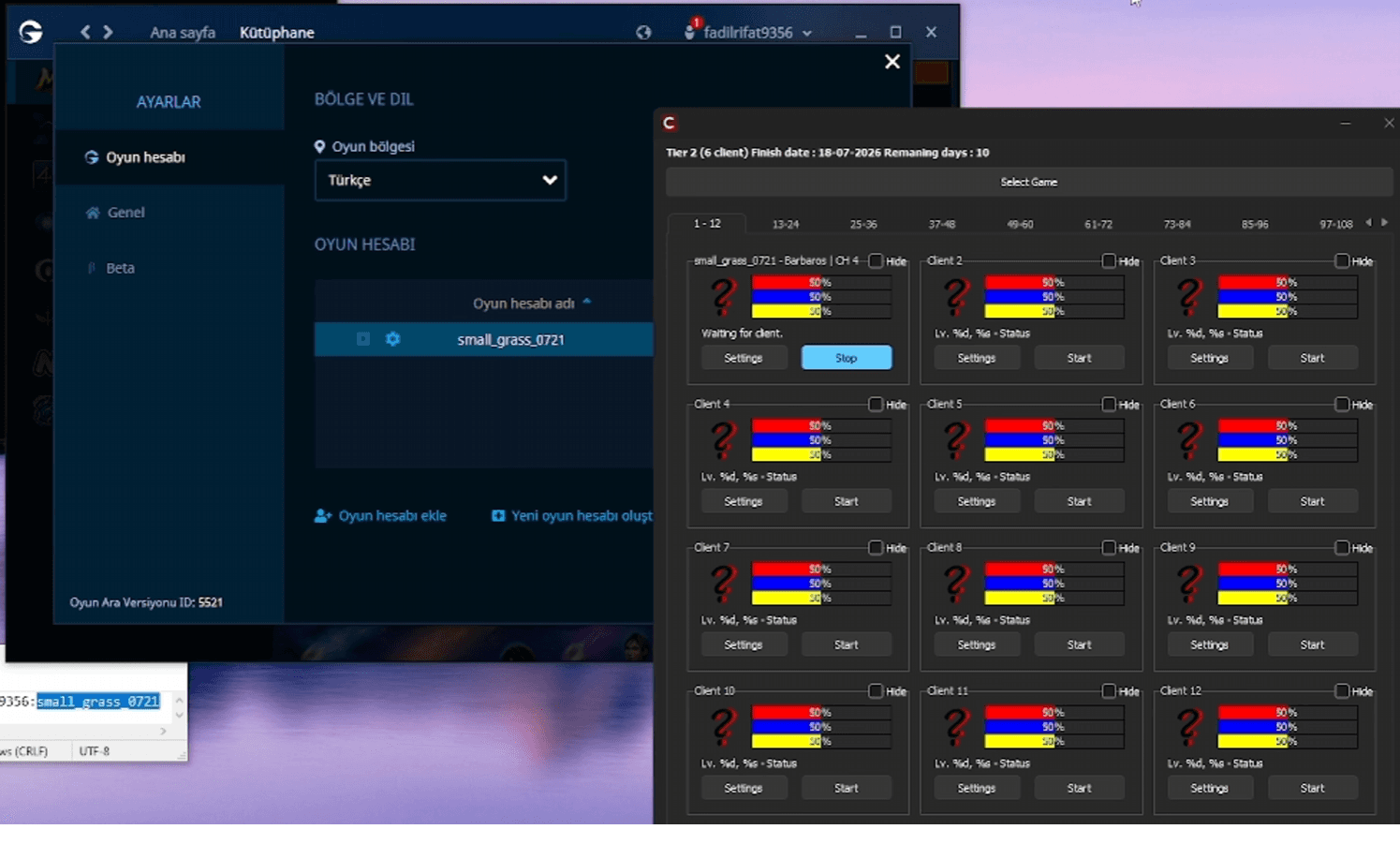
- 3. Get the GF Client KeyClick the Get GF Client Key button, then log into Metin2 normally through the Gameforge client.
- 4. Confirm the success messageOnce the GF Client Key is obtained successfully, a confirmation message will appear on screen. Press OK and close the game.
- 5. Configure your slotReturn to the loader, press the Settings button on your slot, and select metin2client.exe in the Metin2Client Path field.
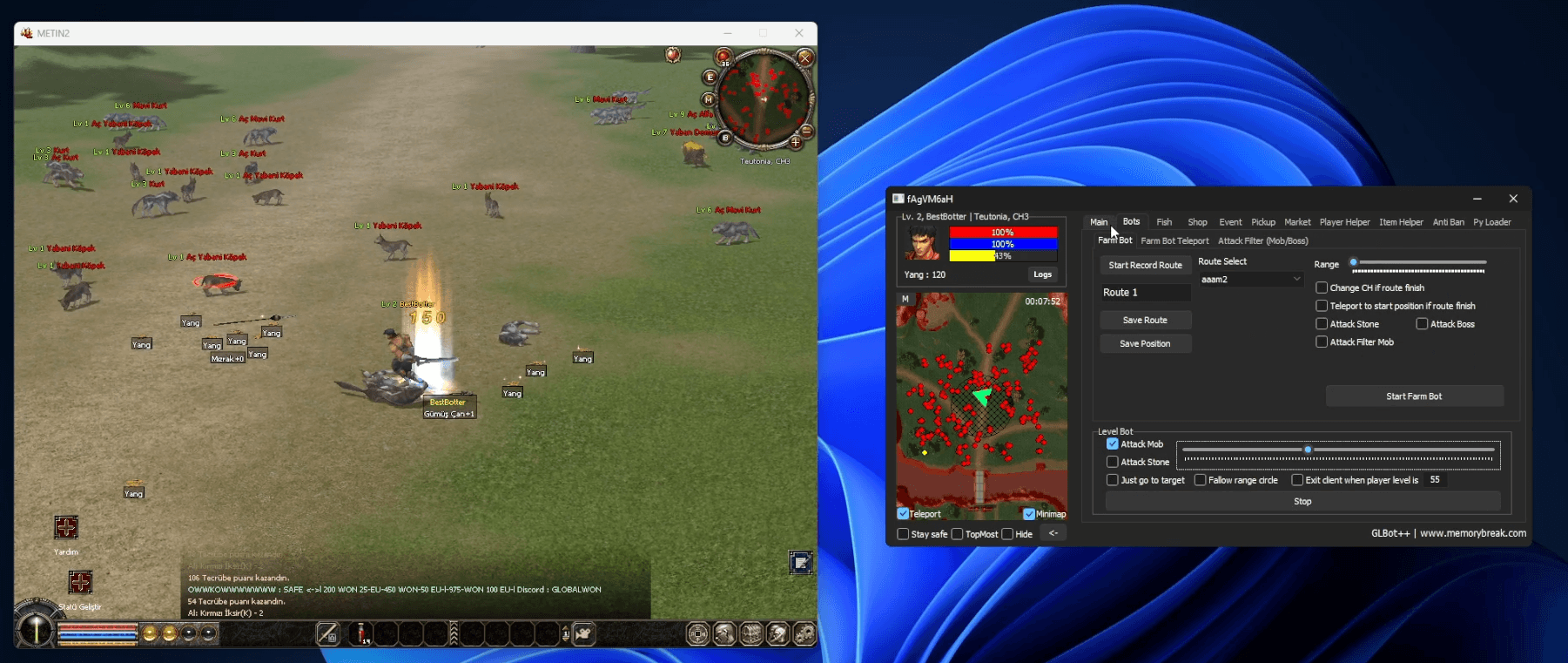
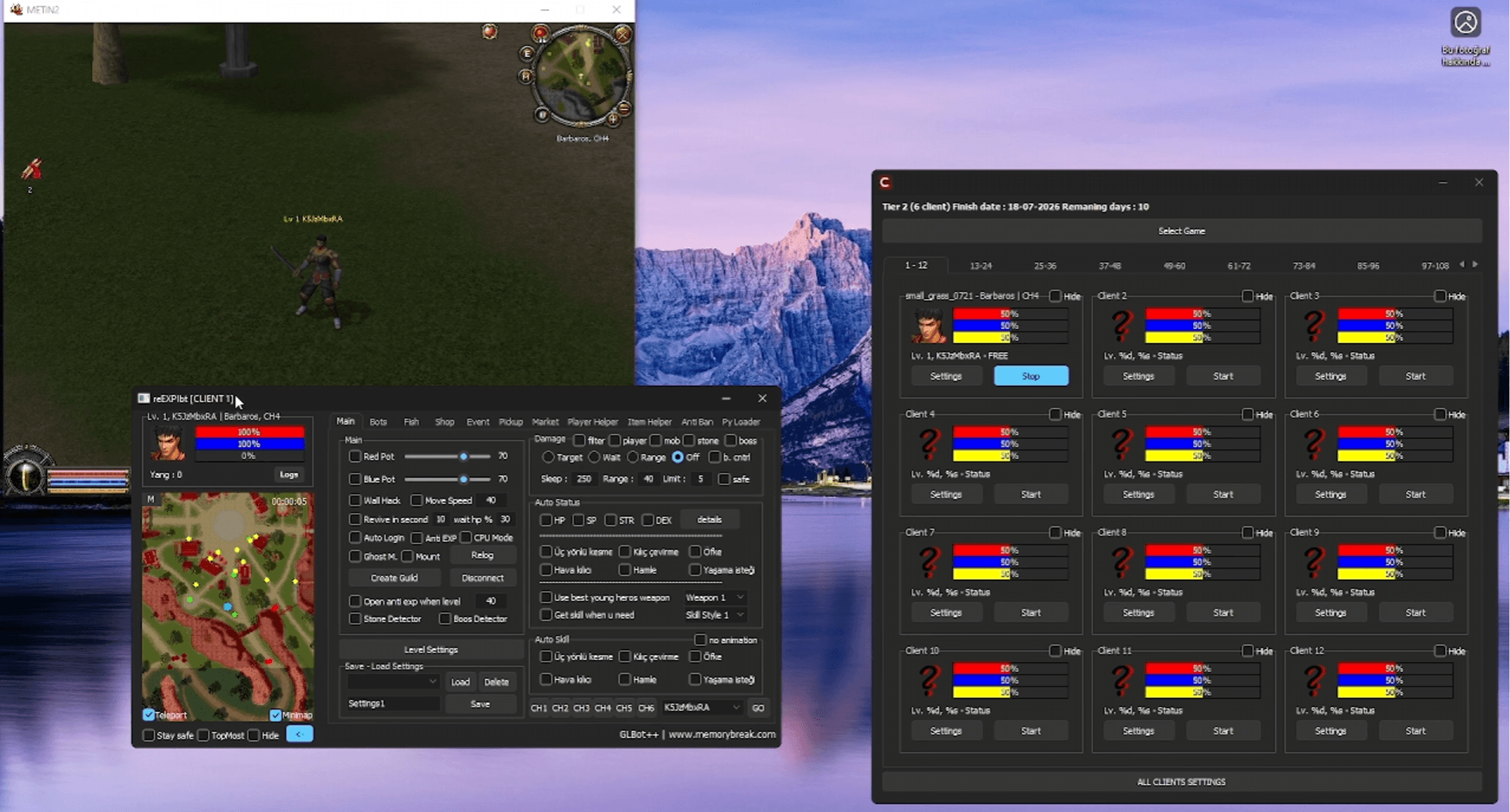
- 6. Save and startSave the settings and start the bot — GLBot++ will log into your account via direct connection.
Direct Mode is the preferred login method for stable, uninterrupted sessions. Get your GLBot++ license at memorybreak.com.