GLBot++ Macro Mode is a login method that automatically opens the game client and logs into your account. Follow the steps below to set it up quickly.
Setup Steps
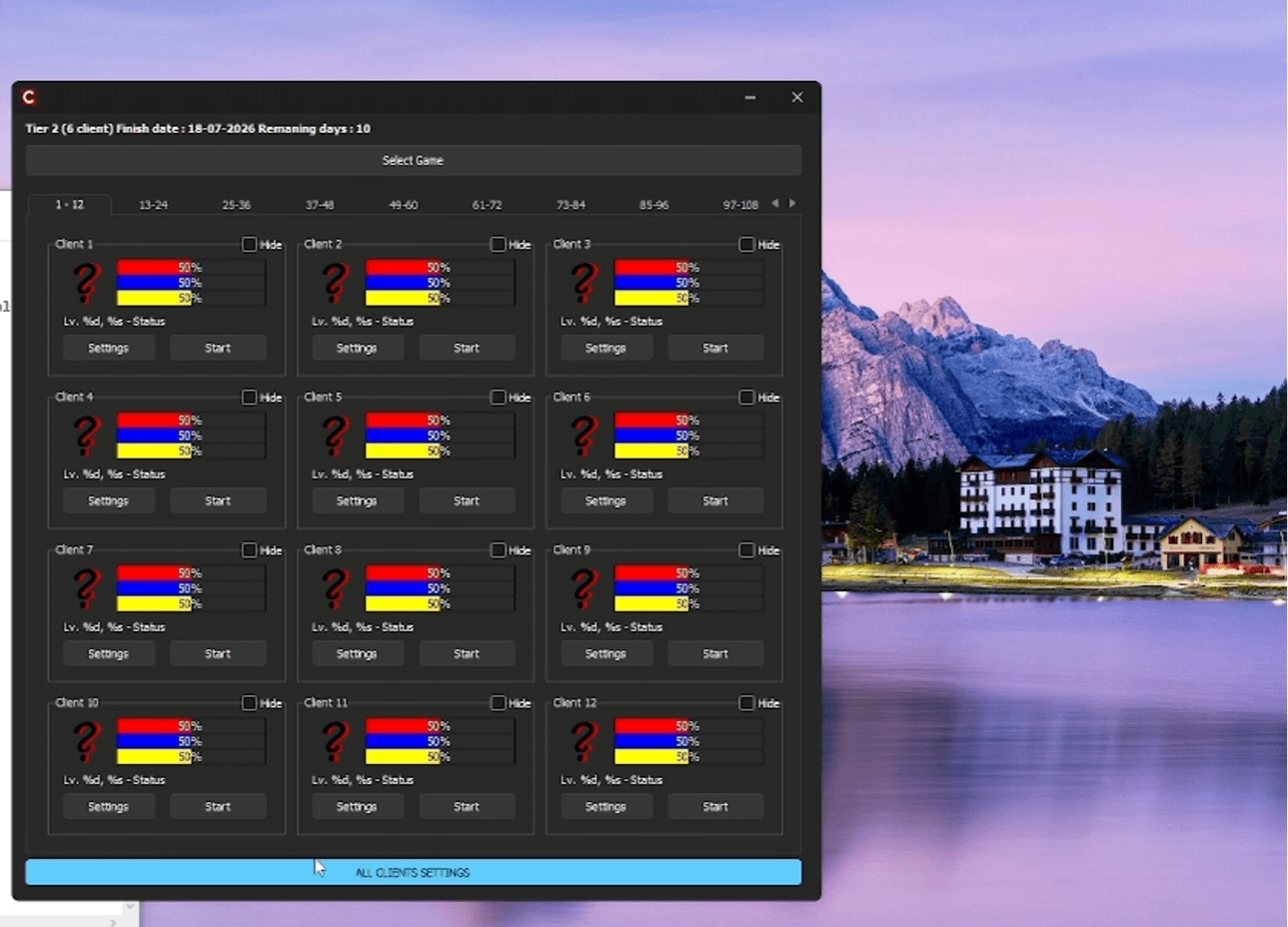
- 1. Open the ALL CLIENT SETTINGS panelClick the ALL CLIENT SETTINGS button located at the bottom of the loader screen.
- 2. Check the Login Type settingMake sure Login Type is set to Macro Mode.
- 3. Select the GF Client PathClick the Choose button under GF Client Path and select your gfclient.exe file.
- 4. Close the panelOnce the settings are complete, close the panel.
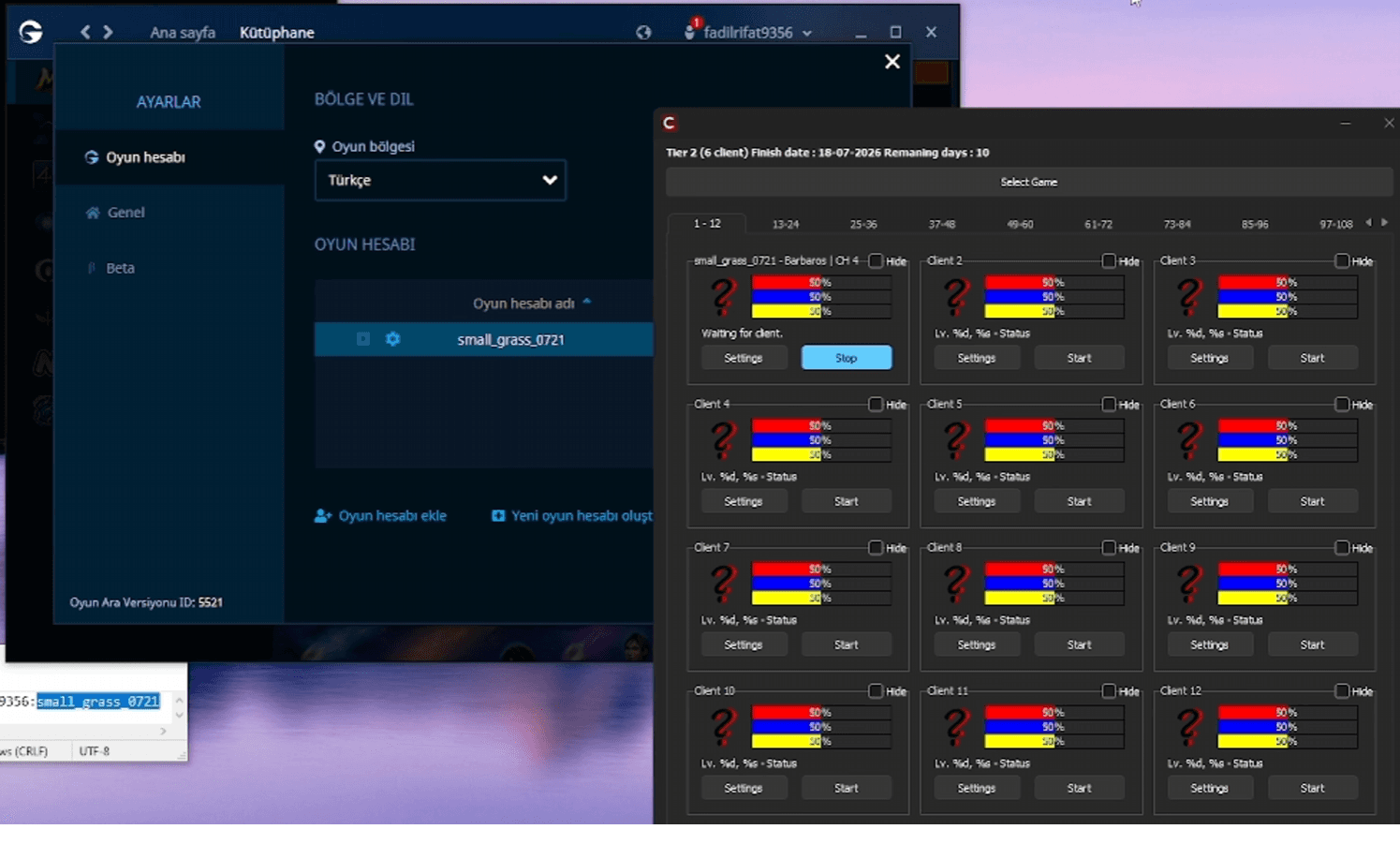
- 5. Configure your slotPress the Settings button on your slot, enter your account credentials (username and password), and save.
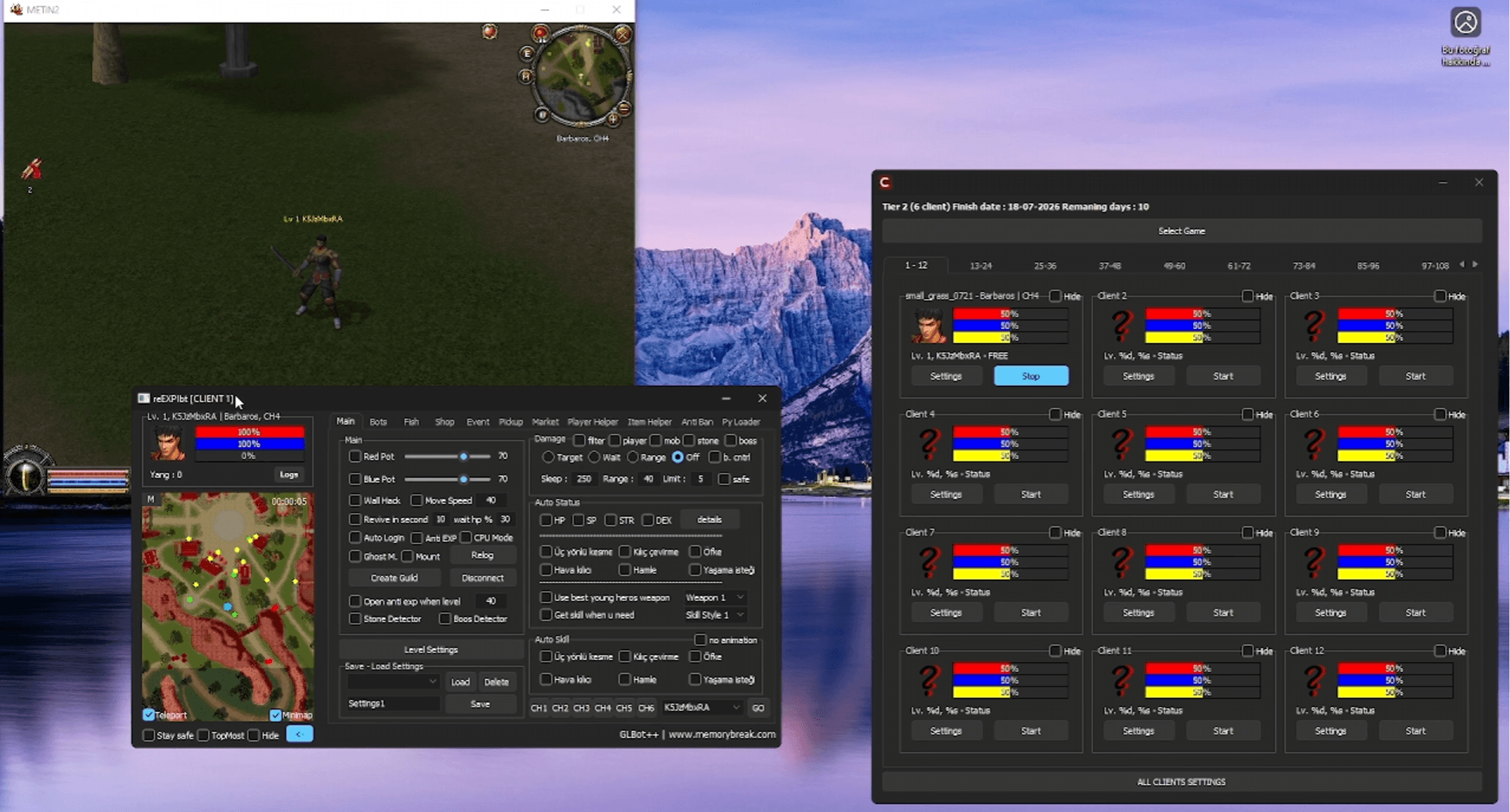
- 6. Start the botAfter setup is complete, start the bot — GLBot++ will automatically open the client and log into your account.
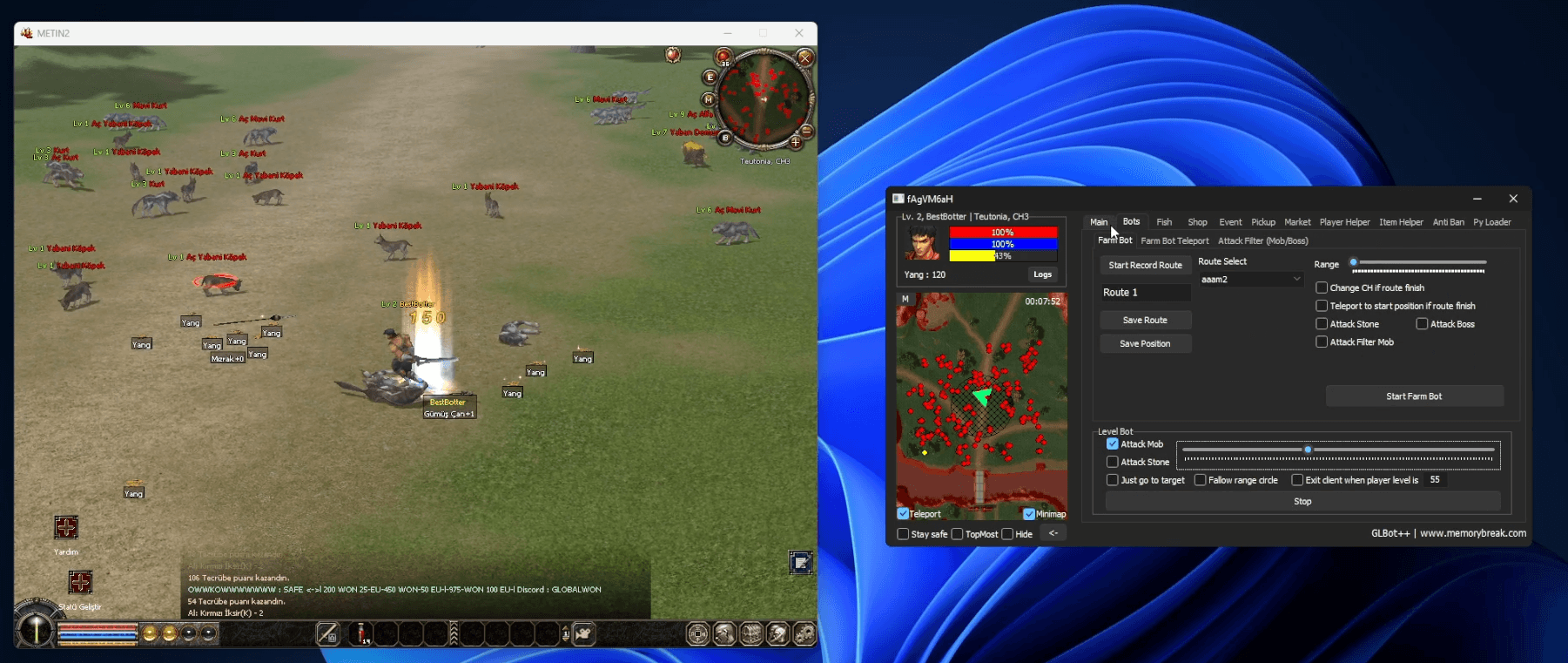
Macro Mode fully automates the login process, especially useful when managing multiple accounts. You can get this feature with a license from memorybreak.com.